
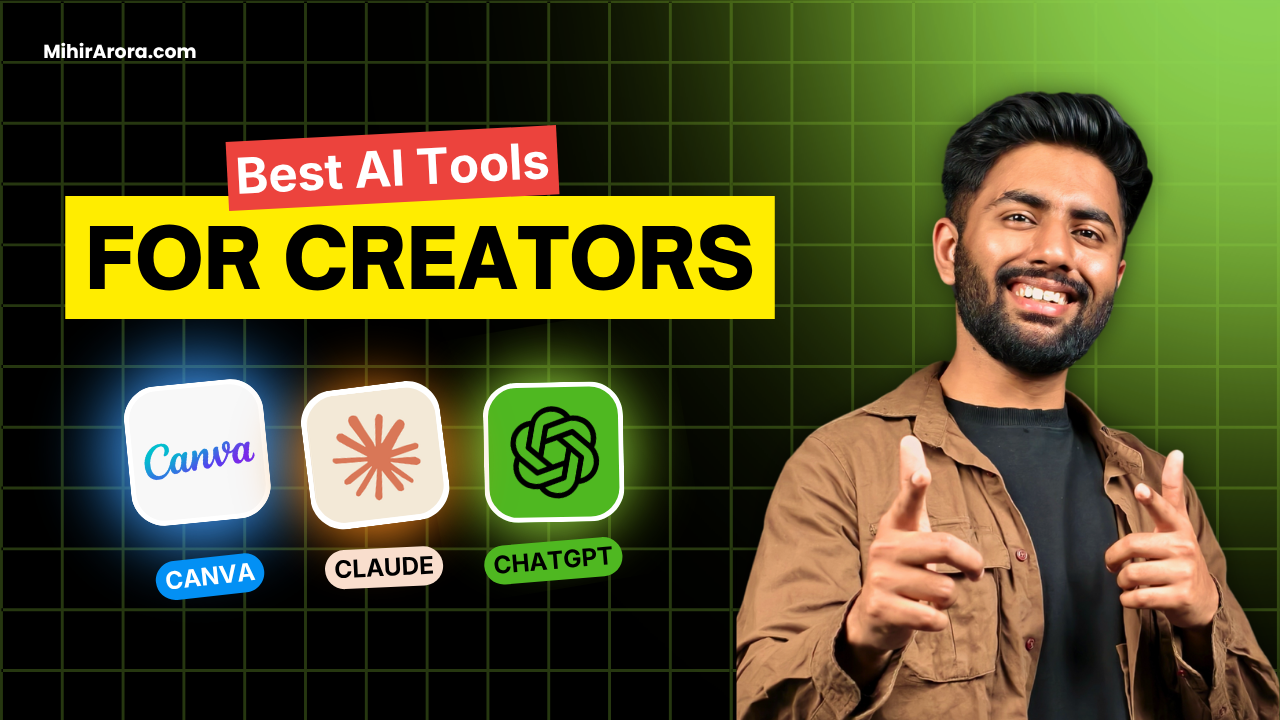
Best Free AI Tools for Creators in India 2026: My Recommended Editing Combo
What’s up everyone? Mihir Arora is again with some gyaan ki baatein. So we all know that AI is all over the news in 2026. Yet the question remains: what AI tools are actually available free of charge in India for content creators? With the use of free and effective AI tools for creators in India, you can reduce the time spent on content creation without increasing your expenses.
I will help you understand tools that offer real free usage. Some free versions have limitations in how much you can do, and some premium features will remain paid. I will highlight these limitations so that you can make your own choice.
No matter what kind of content you want to create – Instagram Reels, YouTube Shorts, audiovisual educational material, or your personal brand, these six tools will help you do the job.
Here are AI Tools for Content Creators in India:
1. ChatGPT and Claude: Research and Content Ideas
Every creator has had moments of hindered creativity. You might have a topic in mind, but can’t seem to figure out how to begin your project. Both ChatGPT and Claude help with generating ideas and creating clear outlines.
You can make use of these tools for the purpose of brainstorming video topics and generating caption ideas. For instance, you may ask ChatGPT to provide you with ten ideas for Reels, which will be helpful for an Indian technology creator who wants to engage beginner audiences. After that, you may develop the best proposal into a detailed script.
Both apps offer free subscriptions in India. ChatGPT is useful for research and writing, while Claude helps with generating and improving long texts. However, some advanced functionalities may be limited.
You can use my tip of comparing proposals, instead of using the first one. You must proofread the information, share your own insights, and change the draft so that it’s in your own voice.
Is the free subscription sufficient for you? Certainly, it can be used for simple brainstorming, basic research, and making initial drafts.
Why I use: I mainly use ChatGPT and Claude to research content, write short pieces when needed, and revamp my scripts or fix minor errors.
Best for: Generating ideas, creating outlines, and removing the barrier of the blank sheet.
2. Captik: Automatic Captions for Reels and Shorts
Did you ever find yourself looking at a Reel with no sound? Many individuals watch videos in situations that do not allow listening. Well-written captions enable people to view the content without needing audio.
Captik creates captions for videos automatically. You need to upload a Reel, make the system transcribe speech, correct mistakes, and modify captions’ style before you get the finished video.
Currently, Captik’s free plan includes two caption minutes and ten export minutes per month. It allows users to edit the text, but the final videos created using this plan come with a watermark. Therefore, you can test the tool for free while not really being able to create many videos as the minutes provided may be used quite quickly.
Is the free plan good enough? On the one hand, a person can use it to try the tool and edit some videos.
Why I use: I use this tool to add captions to my videos and good thing is it can like transcript properly using ai
3. Notion AI: Organise Your Content Calendar
Producing content continuously becomes tricky when your ideas, scripts, and deadlines are all over various applications. Notion provides you one workspace wherein you can schedule your entire content.
You can create a weekly calendar with different stages such as idea, write, film, edit, and publish. When you get an idea for the next video topic, add it to your list instead of waiting and trying to memorize it till later.
Notion AI can turn rough forms into structured outlines, summarise some information, and make written drafts better. However, there is one important drawback: free users can experience Notion AI work only through free replies as it has some charges applied once they run out of the free ones.
Why I use: I basically plan my everyday schedule on notion, it can be my content calendar, my payments schedule, my rough work etc in notion
Is the free plan enough? The regular planning tools can be suitable for beginner creators.
Best for: Creators looking to put their ideas together and keep a uniform posting process.
Official link: Notion
4. Canva AI: Design Thumbnails and Social Media Posts
In order to attract viewers to your content, it is essential to have a good-looking visual in your video. Canva simplifies the process of crafting YouTube thumbnails, Ghanaian carousels, Reel posters, and Story posts independently and without any designer assistance.
You can either choose an available template or you can produce your own pictures, manipulate colors, and tweak text. Moreover, with the help of Canva’s AI functions, you can create design solutions using the Magic Design tool.
If you are only starting your journey in the design sphere, I suggest creating several evergreen templates. Using the same typeface, colors, and design style will save time as well as create familiarity among viewers.
Can I benefit from the free plan? Yes, the free service can meet most of your basic design needs, allowing you to create attractive visual material without getting a subscription.
Why I use: My all designing part is done on Canva, from making thumbnails, editing photos each to AI erase and grab, everything is too accurate and I can edit images at a very professional level.
5. CapCut: Edit Short Videos Faster
When you teach yourself how to edit videos, the editing process can be more time-consuming than shooting the video. CapCut is popular when it comes to short-form editing, owing to its user-friendly interface.
The essential features of CapCut include automatic captions, noise removal, and other creative effects, which may differ based on the features, pricing plan, and platform. The aforementioned features can aid the user in eliminating unnecessary pauses, adding subtitles, and adding creativity to edits.
While CapCut’s free version offers various editing options in various regions, its generic availability in India must be considered. The app by CapCut may not be available in Indian application stores. Therefore, the Indian user has to check the possibility of using the app before relying on it.
Is the free plan sufficient? Yes, it is quite enough for beginners in areas where it is available.
6. Otter.ai: Turn Audio Into Reusable Content
Creating podcasts, interviews, or learning videos may take considerable time. Recording the content can be made more beneficial by rewriting the audio into writing suitable for other media.
Through Otter.ai, a podcast can be turned into the format of a written text that can be edited. Then the text can be taken as the initial material for writing blogs, making captions, summarizing videos, or creating scripts.
For instance, imagine producing a comprehensive YouTube video. You will be able to utilize the audio to create other materials instead of making everything from the very beginning.
Is the free plan sufficient? It will work for transcriptions, but the limitations may cause problems when making videos regularly..
Common Mistakes Creators Make With AI
While Artificial Intelligence is capable of making your work more efficient, using it hastily might keep your content lacking in individuality. Consider avoiding these three mistakes before using AI in generating your content.
1. Publishing AI-generated content with no editing. AI-written content seems overly generic. Personalise it by including your own real-life examples and words in order for people to listen to your voice and not a computer-generated response.
2. Using too many tools at once. On your first day, you shouldn’t feel an urge to download six different applications. Stick to one research and one editing/design app.
3. Letting AI make decisions for you. AI can help you organise your thoughts, but your own point of view should guide you in what you want to say.
Conclusion: Start Creating Without Spending Money
Many great tools are available for the low-cost and effective production of content. You do not have to pay for a variety of subscriptions for the creation of quality materials; simply start small, find useful tools, and become proficient in them before trying something new.
The best AI tools for creators of 2026 does not always have the highest price. This is true particularly for beginning users from India who should be able to find the most useful and cheapest tool that will help.
In case you do not know where to start your journey to becoming a content creator, turn to my tutorial on that topic. Concentrate on utilizing means where practicable and learn how to build the content efficiently.
Besides, you can read more about making content in your individual voice. It is essential to remember that it is your perspective and style that make your content unique.
What AI tool do you use most frequently? Let me know in the comments.
Mihir Arora
Signing off